ہر کہانی کی اپنی آواز ہوتی ہے۔Every story has a voice of its own.
Illustrative Urdu, Roman Urdu, and English caption cues
Time
Urdu
Roman Urdu
English
00:00 to 00:04
آج کچھ نیا بناتے ہیں۔
Aaj kuch naya banate hain.
Let’s make something new today.
00:04 to 00:08
ہر کہانی کی اپنی آواز ہوتی ہے۔
Har kahani ki apni awaaz hoti hai.
Every story has a voice of its own.
00:08 to 00:12
چلیں، شروع کرتے ہیں۔
Chalein, shuru karte hain.
Let’s get started.
This browser sandbox uses illustrative sample cues so you can test RTL editing and subtitle export formatting immediately. Upload your own audio or video in Studio to transcribe real recordings and render captioned MP4 video.
Every control in this sandbox mirrors how cues behave inside a real UrduSpeech Studio project, so you can verify right-to-left typography and export encoding before signing up.
Switch between all four script variants
Toggle between right-to-left Urdu (rendered in Noto Nastaliq Urdu), left-to-right Roman Urdu, English, and stacked Bilingual lines to see how line length and vertical rhythm change over video footage.
Edit RTL Urdu and Latin text live
Type directly into the Urdu input (dir="rtl") or English/Roman Urdu input (dir="ltr") and watch the monitor frame update immediately. In full Studio, you also adjust cue start and end times in seconds alongside local playback of your original recording.
Preview Clean, Social highlight, and Boxed presets
Compare crisp white shadowed text, gold (#FFD54F) short-form emphasis, and dark-backed boxed captions over real-world warm lighting. Exact video rendering inside Studio applies safe-area checks so Nastaliq strokes never clip.
Inspect real UTF-8 SRT, WebVTT, and TXT output
Download your edited cues as .srt, .vtt, or .txt and test importing them straight into YouTube Studio, Premiere Pro, DaVinci Resolve, or an HTML5 video player. Need to convert an existing subtitle file? Try our free SRT to WebVTT converter.
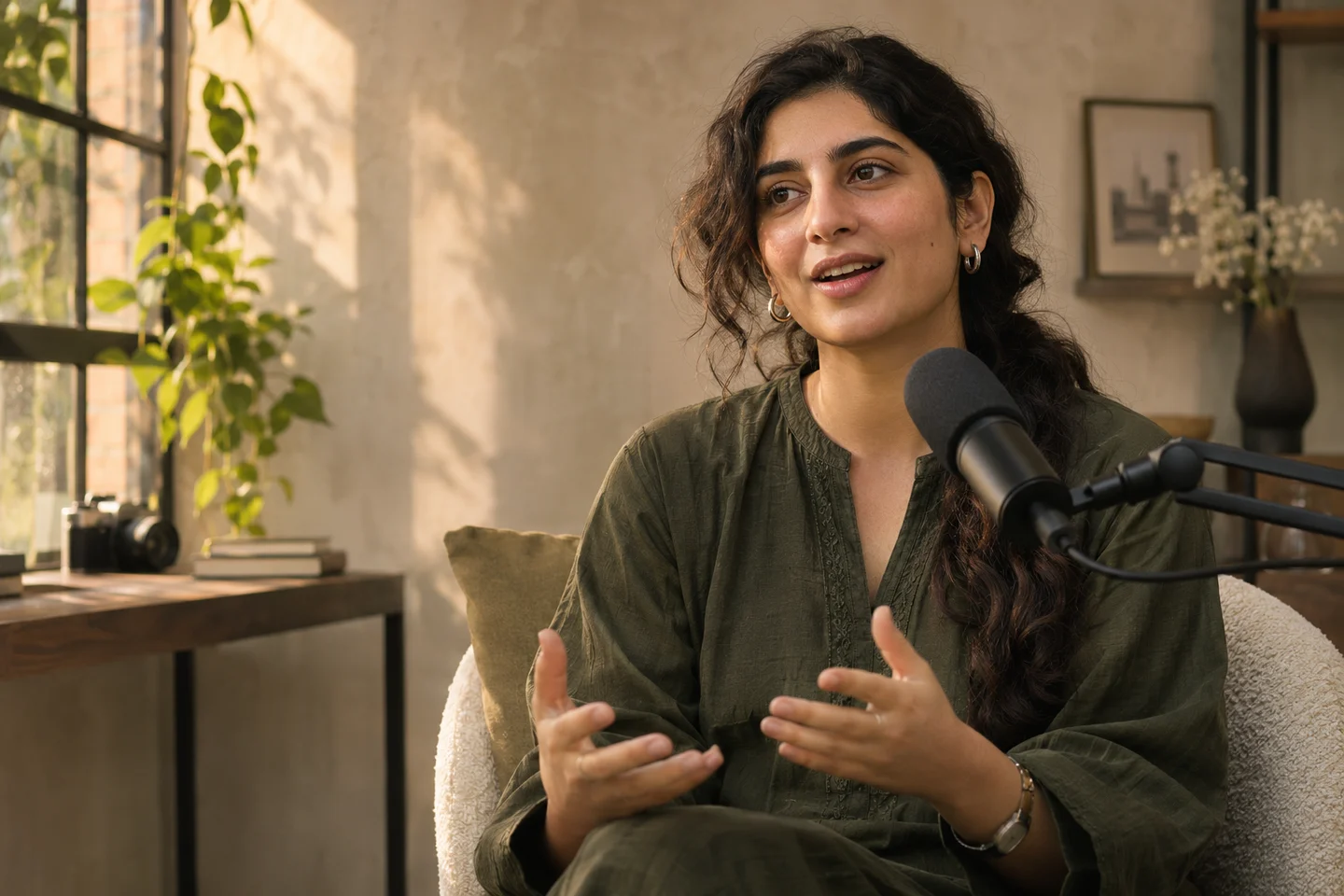 Sample frame